OCPP Charger Management Platform
Connect compatible OCPP 1.6J chargers to EVCharge.mobi for station management, connector monitoring, access control, tariffs, sessions, and operator handover.
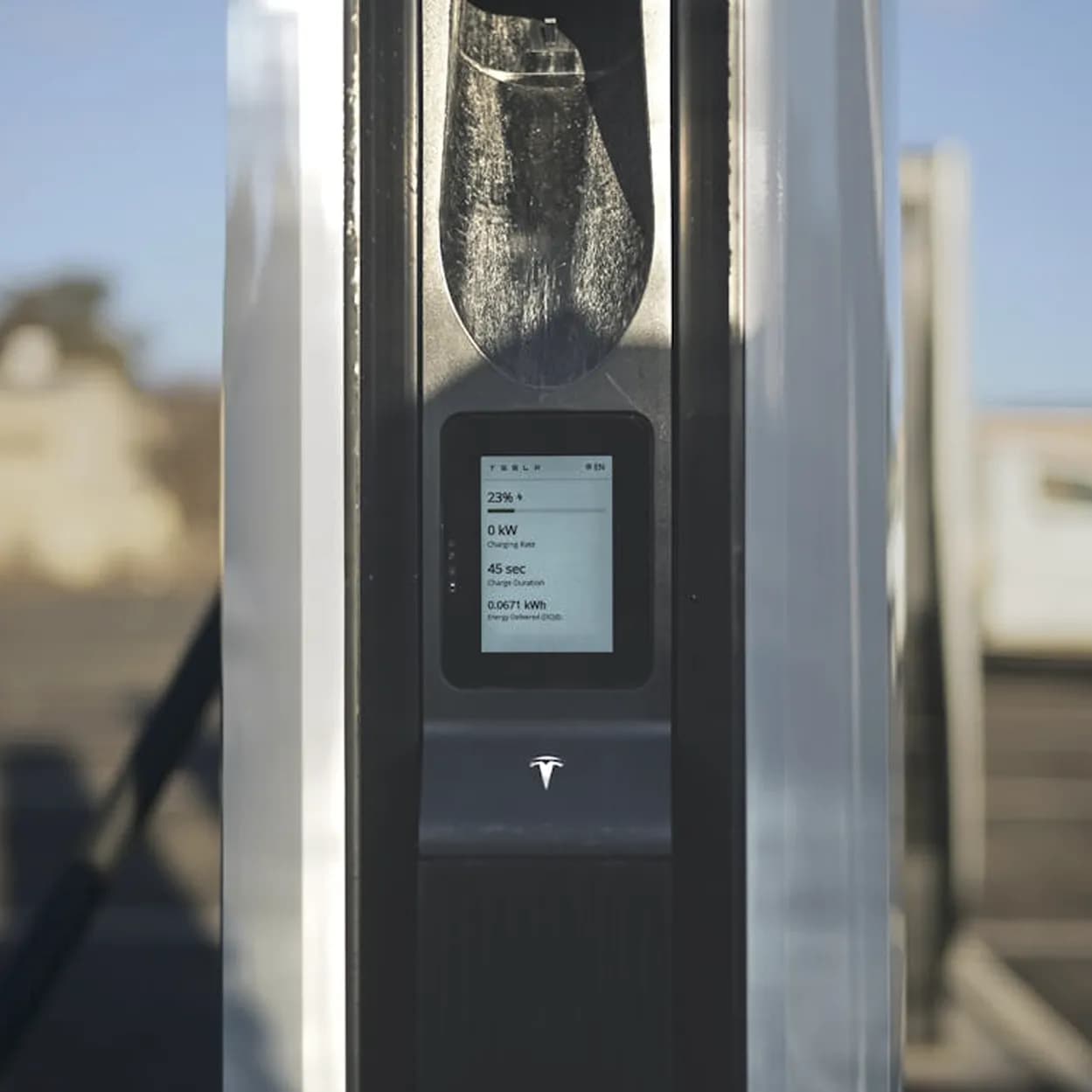
How OCPP charger onboarding works.
The setup is strongest when the charger, portal record, and site operations are verified together instead of treated as separate tasks.
Confirm charger support
Check OCPP version, firmware behavior, backend URL configuration, credentials, and the charger network path.
Add the charger in the CPO Portal
Create the site and charger record so the physical installation has a clear operating location and connector context.
Configure the charger endpoint
Set the EVCharge.mobi OCPP endpoint, charger identifier, and password in the charger vendor interface where supported.
Verify operation
Check status, connectors, authorization, session creation, tariff context, and reporting visibility before handover.
OCPP setup and charger operations in the CPO Portal.
The CPO Portal brings charger onboarding, connected charger records, and site organization into one OCPP operating workflow.
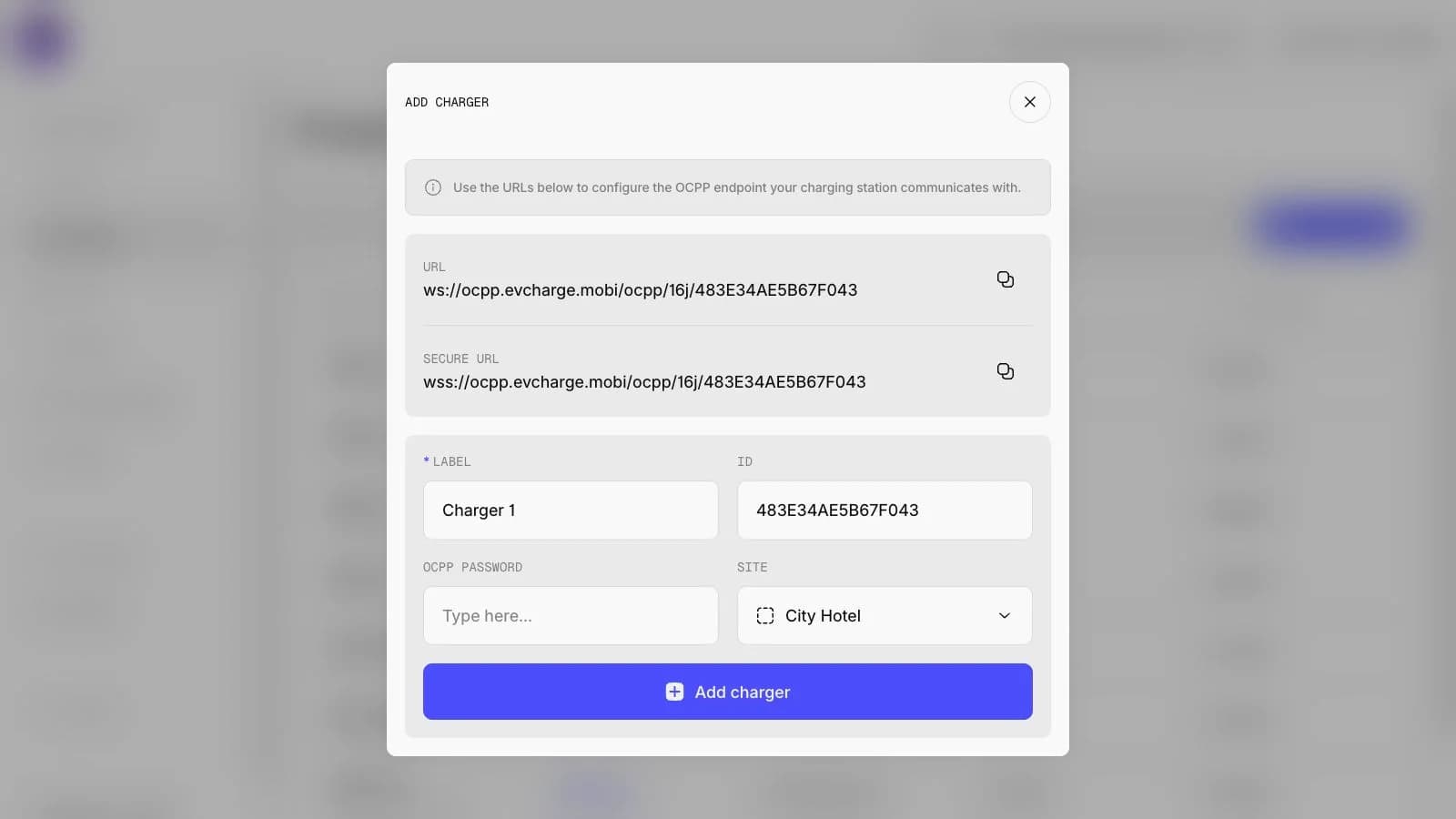
Charger overview
Inspect charger details, status, site assignment, session totals, and operational setup after connection.
Charger fleet
Monitor connected chargers with practical status, site, connector, and usage context.
Charger readiness before managed operation.
EVCharge.mobi is not universal charger support. A working OCPP setup depends on the charger, firmware, network, authorization behavior, and site context.
- Required
OCPP support
Confirm the charger supports the required OCPP version and exposes backend connection configuration.
- Required
Firmware behavior
Check vendor firmware behavior for connection stability, authorization, charging profiles, and session handling.
- Required
Network and firewall
Validate connectivity, DNS, firewall rules, and mobile or wired network reliability at the installation site.
- Required
Authorization method
Confirm app access, RFID, local authorization, or other access behavior before operator handover.
Bring your chargers online today.
Create a free CPO Portal account and connect your first OCPP charger in minutes.