EV Charging for Apartment Buildings
Manage resident EV charging fairly with user invitations, access control, consumption tracking, session exports, and shared infrastructure support.

From resident access to monthly charging records.
Apartment charging works best when access, energy use, reports, and site capacity are planned as one operating workflow.
Create the building setup
Add the apartment site, parking chargers, connectors, and administrator access in the CPO Portal.
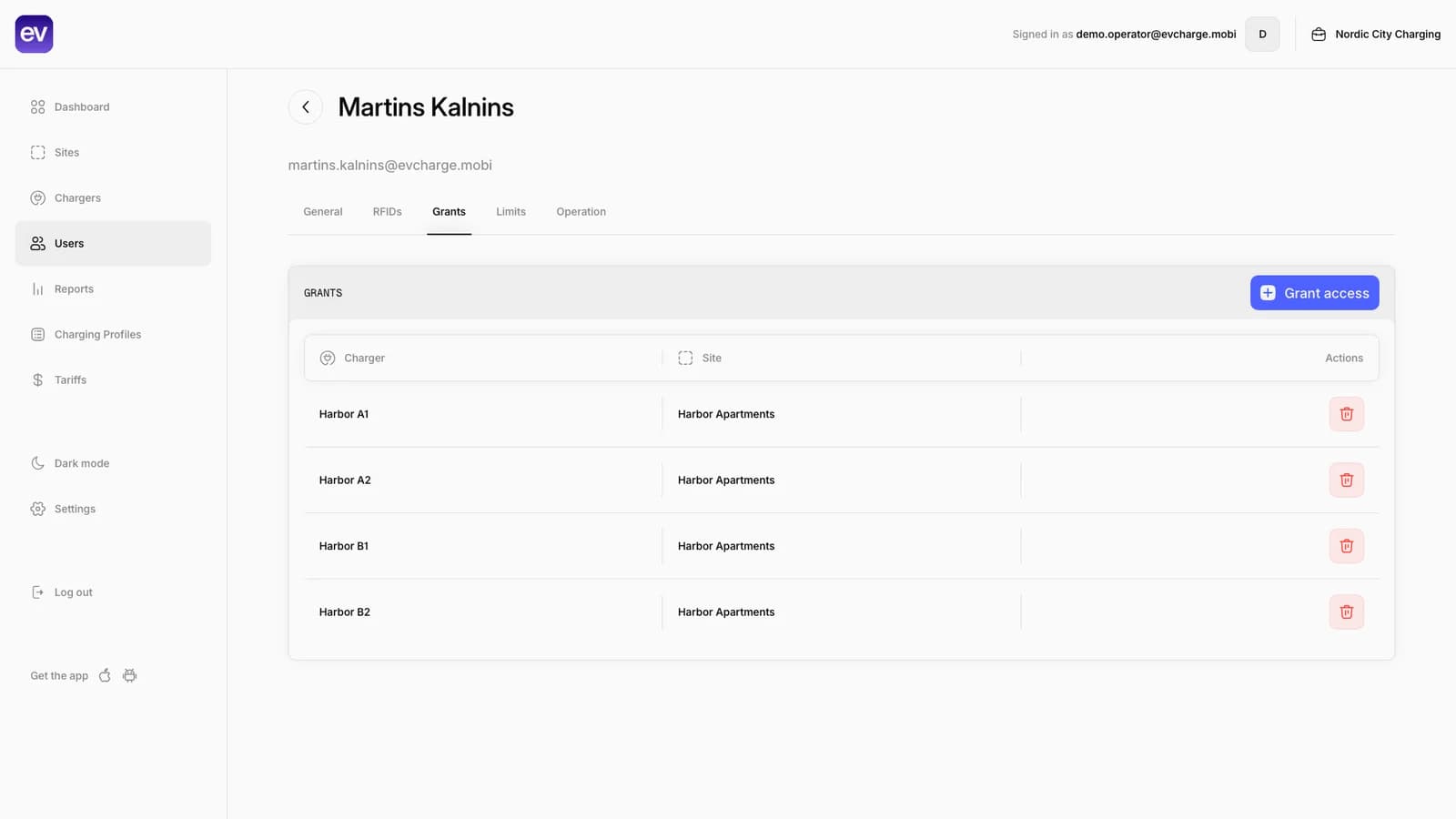
Invite residents and assign access
Give residents access to the chargers they are allowed to use, and use RFID where the charger setup supports it.
Review sessions and consumption
Use session history and reports to understand energy use by charger, user, and period for transparent cost allocation.
Coordinate shared capacity
Use Dynamic Load Management where supported so multiple resident chargers can share the available electrical capacity more predictably.
Resident access, reporting, and capacity controls in one operator workflow.
Apartment charging needs clear records of who can charge, what was consumed, and how shared capacity is handled as more residents plug in.
Reports and charts
Review filters, session totals, consumption, costs, and report charts for operator follow-up.
CSV export and scheduler
Use session-level exports and monthly scheduler settings for recurring operational reporting.
Dynamic Load Management
Manage charger pools, shared site limits, and visible charger-level current limits.
Bring your chargers online today.
Create a free CPO Portal account and connect your first OCPP charger in minutes.