Private EV Charger Management for Homes and Shared Chargers
Manage a compatible private charger with trusted-user access, owner settings, scheduled charging, Smart Mode where supported, session history, and CPO Portal records.
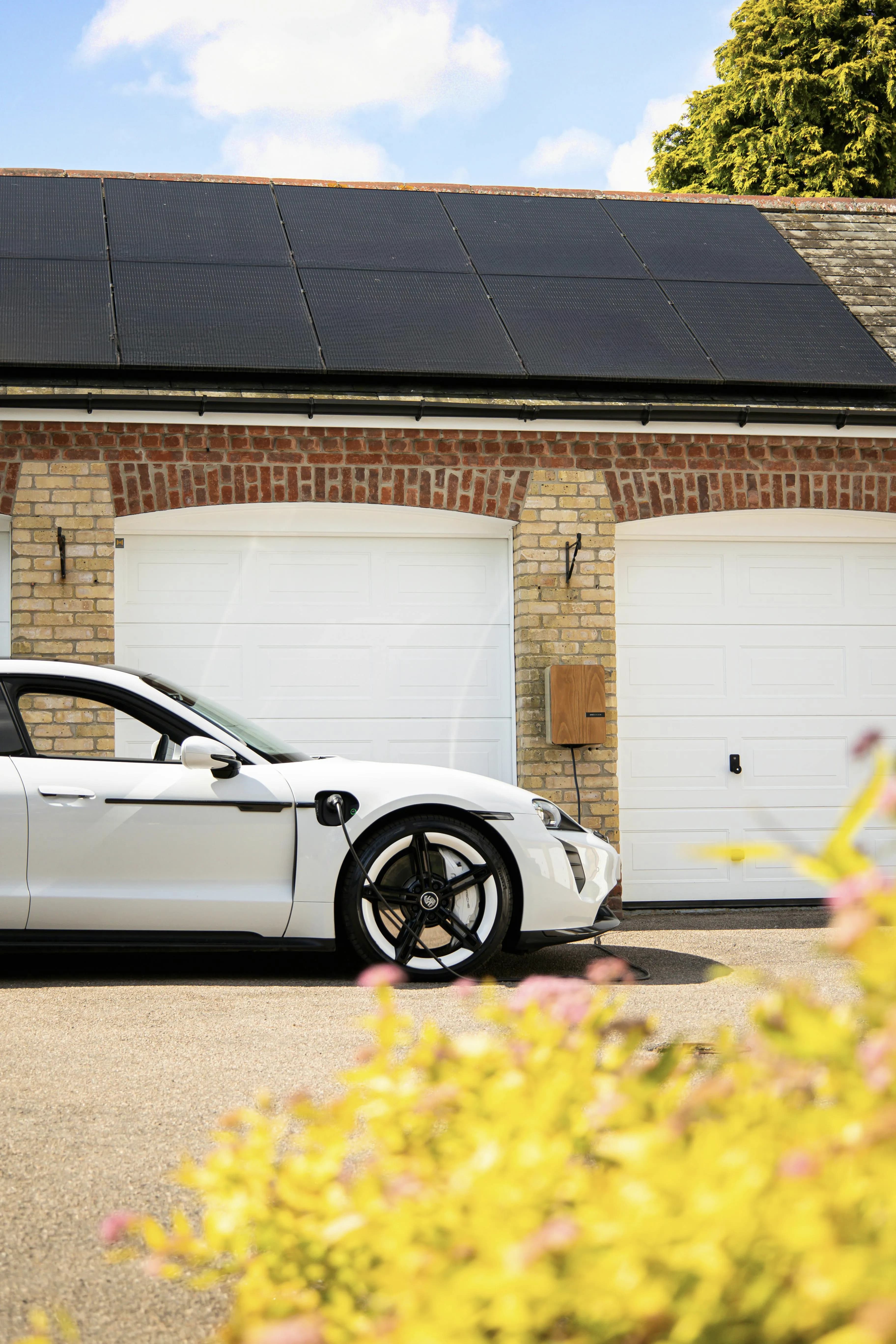
From owner setup to trusted driver charging.
Private charger management has two sides: owners set up and control the charger from the CPO Portal, while drivers use the mobile app for daily charging.
Add the charger in the CPO Portal
Create the charger, assign it to the right site or location, and connect compatible OCPP hardware where the model and firmware support it.
Use owner settings and access rules
Keep the charger private, manage owner actions, and decide whether invited drivers use app access, RFID, or both where the setup supports it.
Invite trusted drivers
Give family members, tenants, staff, guests, or selected private users access to the charger without making it open to everyone.
Choose Instant, Schedule, or Smart Mode
Drivers can start charging immediately, use scheduled charging, or use Smart Mode where the charger, vehicle, tariff, and market data support it.
Review sessions after charging
Use driver history and operator reports to see energy, timing, and cost context where data is available.
Private charger control from driver app to operator records.
Owners can see charger settings and access context, while drivers get a clear app flow for instant charging, scheduled charging, and session history.
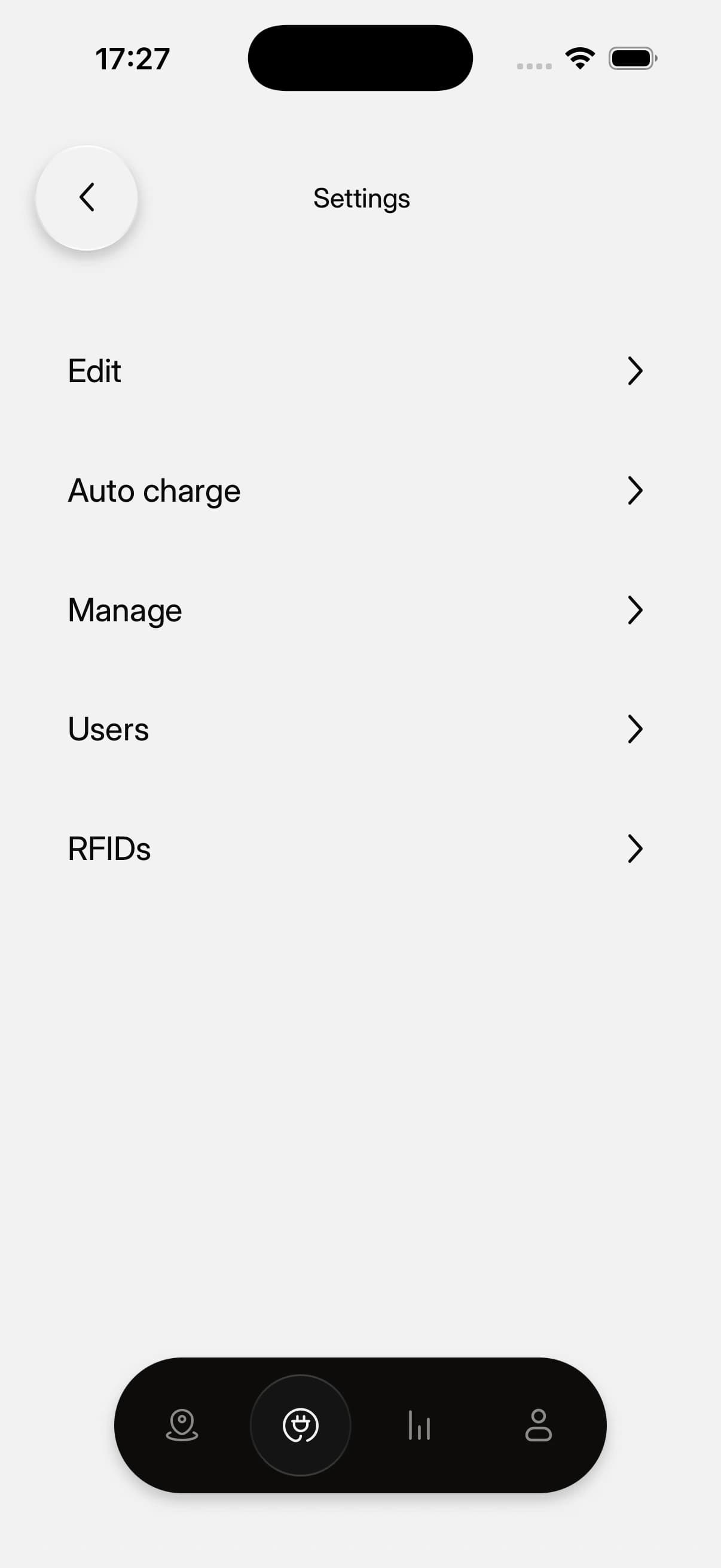
Charger detail
Open a private charger to see status, connector details, tariff context, vehicle telemetry, and charging actions.
Scheduled charging
Use the Schedule option on a private charger when fixed-tariff or non-market setups do not use Smart Charging.
User grants and access
Assign residents, employees, guests, or drivers to the chargers they are allowed to use.
Session history
Review energy, timing, and cost details for completed charging sessions where data is available.
What private charger management needs.
A private charger can be simple for drivers, but owner management still depends on charger compatibility, access setup, and the right owner tools.
- Required
Compatible charger connection
The charger needs OCPP/backend configuration and reliable communication before remote management can work.
Learn more - Required
Owner access in the CPO Portal
Private owners use the CPO Portal for adding chargers, managing users, assigning access, tariffs, and reviewing records.
- Required for sharing
Trusted driver accounts
Drivers need app accounts and assigned access before they can use the private charger from the mobile app.
Learn more - When supported
RFID support depends on hardware
RFID can be used only where the charger, firmware, and authorization setup support it.
- For reports and Smart Mode
Tariff and market-price setup
Private tariffs support reporting, cost visibility, and Smart Mode context; paid driver charging requires Public charger setup.
Learn more - For reports
Session data for history
History and cost context depend on the final session record, meter data, and configured tariff rules.
Learn more
Common questions.
Short answers for charger owners, drivers, installers, businesses, and small CPOs evaluating EVCharge.mobi.
Bring your chargers online today.
Create a free CPO Portal account and connect your first OCPP charger in minutes.