Dynamic Electricity Tariff EV Charging
Connect market price data to EV charging tariffs so drivers and operators can use cost-aware charging, Smart Mode, and clearer session cost context where setup supports it.
From market prices to charger tariffs and charging decisions.
Dynamic tariffs become useful when market prices are imported for the right bidding zone, converted into tariff context, assigned to a charger or connector, and then used by driver and operator workflows.
Import market prices for a bidding zone
Use supported electricity market data for the configured region, such as day-ahead prices for the relevant bidding zone.
Configure the dynamic tariff
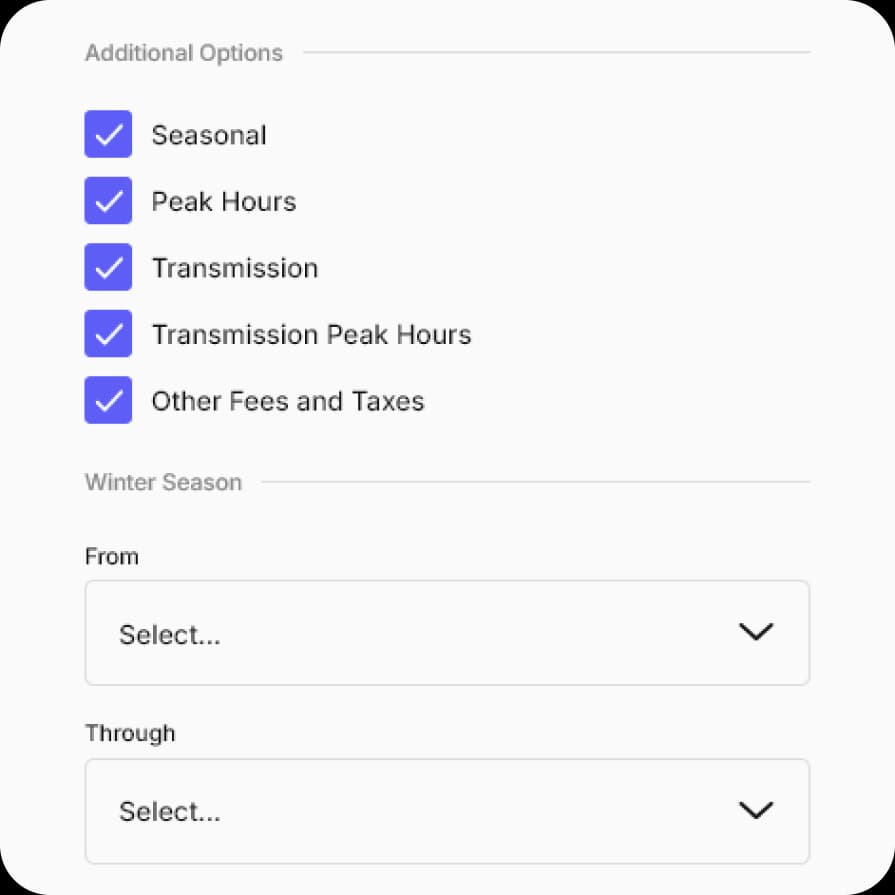
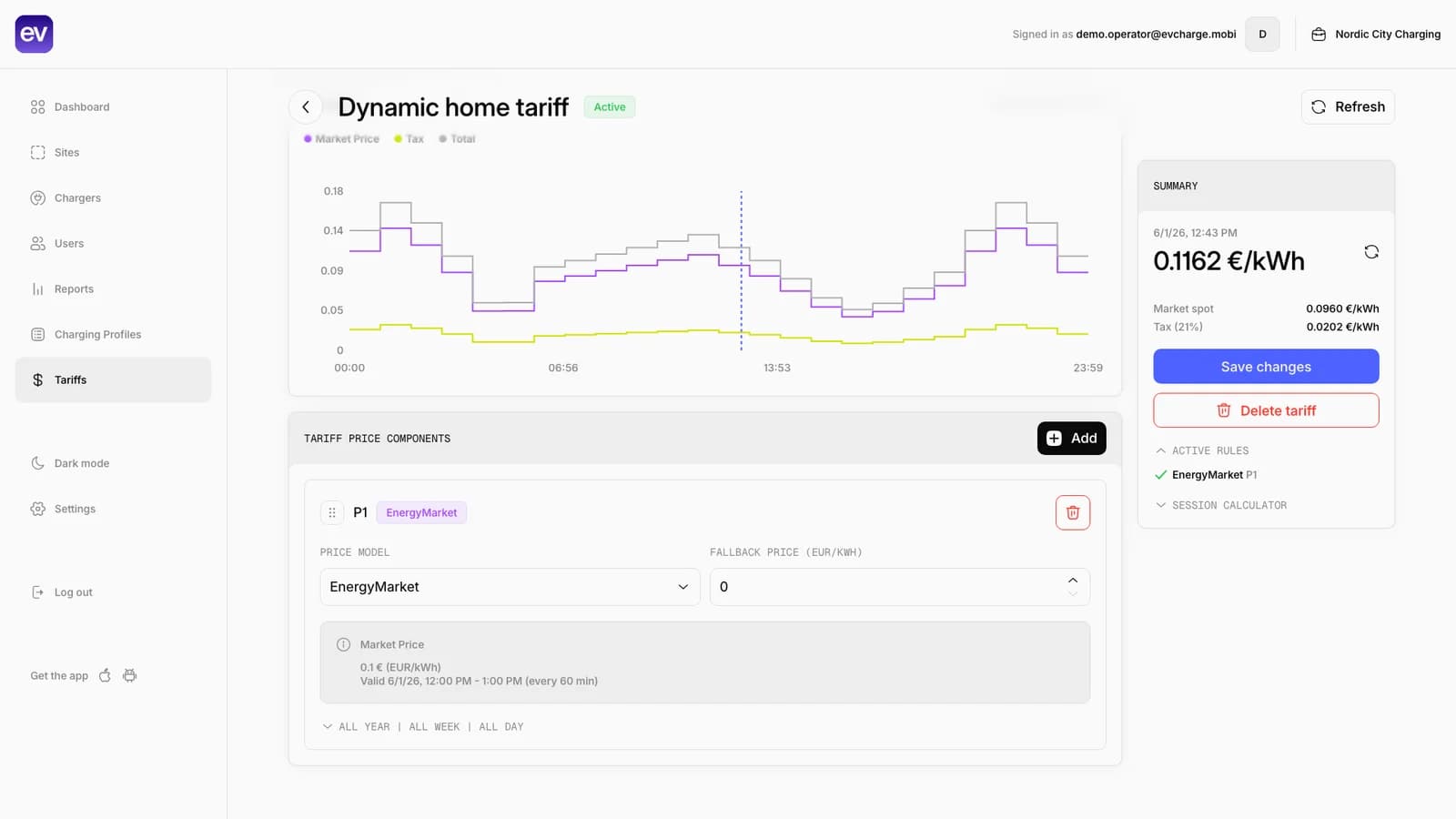
Create tariff rules that include market-price context, tax or fee assumptions, and the EnergyMarket component used for dynamic pricing.
Assign it to the charger or connector
Apply the tariff to the charger or connector that should use dynamic electricity price context for driver and operator views.
Use Smart Mode where supported
Drivers can use Smart Mode and a ready-by time when the charger, tariff, vehicle context, and upcoming prices support price-aware scheduling.
Review session costs and reports
Use session history and reports to review energy, timing, and cost context where tariff rules and meter data provide it.
Dynamic tariffs connect price data, tariff setup, and Smart Charging.
The portal keeps the market-based tariff setup visible, while the driver app shows how that price context can support Smart Mode where the charger setup allows it.
Auto charge Smart Mode
Set a ready-by time for automatic charging when vehicle telemetry, market tariff context, and charger support are available.
Smart Charging
Use price-aware charging windows for a connected vehicle where the charger and tariff setup support it.
Tariff list
Keep resident, hotel, employee, private dynamic, and public dynamic tariffs in one operator view.
What dynamic tariffs need before they are reliable.
A dynamic tariff is only useful when the price source, tariff rules, charger assignment, and session data all match the operating scenario.
- Required
Supported market price data
Upcoming prices must be available for the configured bidding zone and time range before price-aware charging can use them.
- Required
Dynamic tariff component
The tariff needs market-price context, such as an EnergyMarket component, plus any tax, margin, or local pricing assumptions that should apply.
- Required
Charger or connector assignment
The dynamic tariff must be assigned to the charger or connector where the driver will charge.
- For automation
Smart Charging compatibility
Smart Mode can use dynamic prices only when the charger, tariff, vehicle context, and ready-by schedule support it.
- For reports
Session and meter data
Cost visibility and reports depend on the final session record, meter values, tariff rules, and any configured fees or taxes.
- Fallback
Fixed tariff fallback
Fixed, free, and manually configured tariffs still work for sites that do not need electricity-market price context.
Common questions.
Short answers for charger owners, drivers, installers, businesses, and small CPOs evaluating EVCharge.mobi.
Bring your chargers online today.
Create a free CPO Portal account and connect your first OCPP charger in minutes.