EV Charging App for Smarter, Cheaper Charging
Use the EVCharge.mobi mobile app to access invited private chargers, start or schedule charging, use Smart Charging where supported, find public chargers, and review session history and costs.

From charger access to session history.
The EVCharge.mobi mobile app keeps the driver workflow simple: use chargers you are allowed to access, start or schedule charging, and see what happened after the session ends.
Open the app
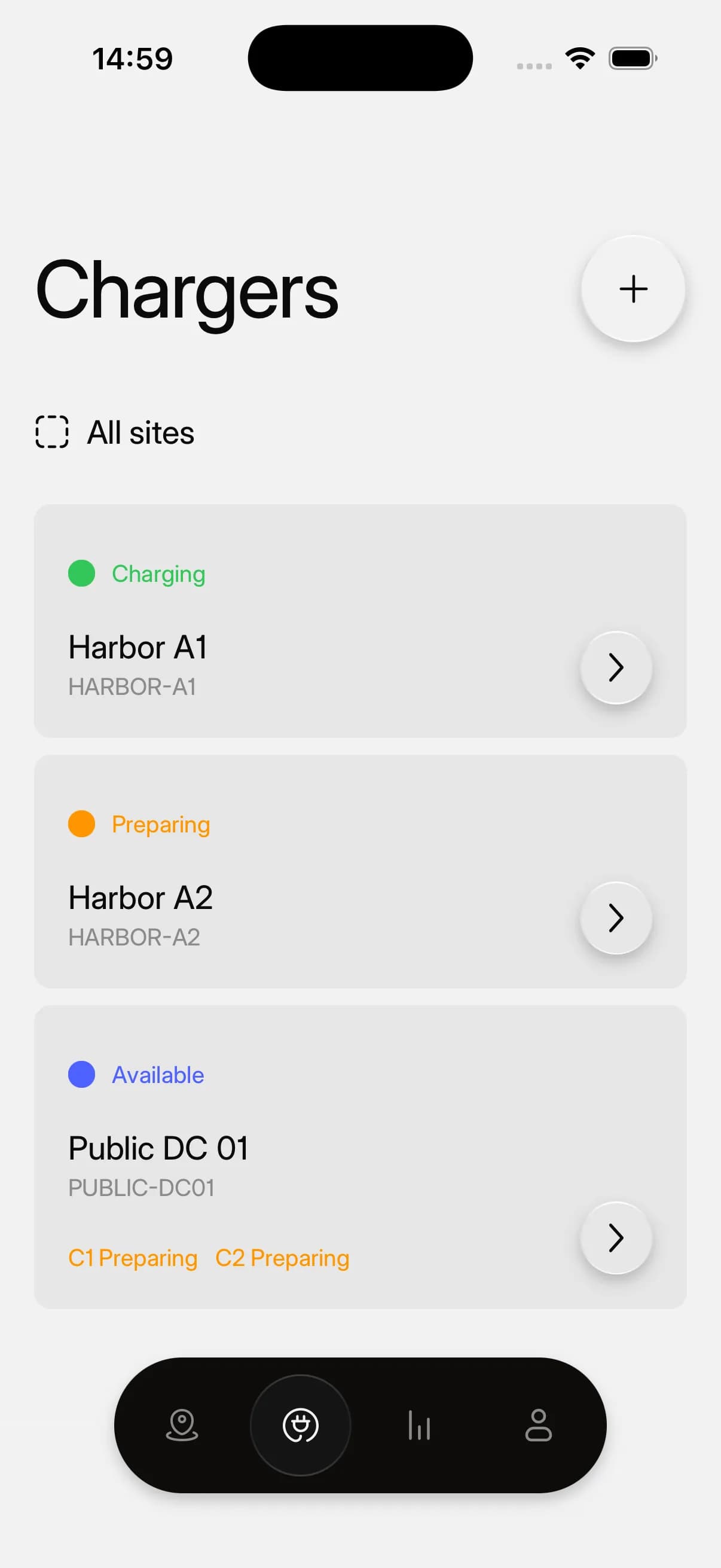
See chargers connected to your account, including invited private chargers and suitable public locations.
Choose a charger
Select the charger or connector you want to use and check the available charging options.
Start or schedule charging
Start charging when you plug in, or schedule charging around the time your car should be ready.
Review the session
Follow charging status while it runs and review energy, timing, and cost information afterward.
A clear app for daily charging.
Drivers see charger access, session controls, Smart Charging settings, public locations, and history without needing operator tools.
Charger detail
Open a private charger to see status, connector details, tariff context, vehicle telemetry, and charging actions.
Scheduled charging
Use the Schedule option on a private charger when fixed-tariff or non-market setups do not use Smart Charging.
Smart Charging
Use price-aware charging windows for a connected vehicle where the charger and tariff setup support it.
Auto charge Smart Mode
Set a ready-by time for automatic charging when vehicle telemetry, market tariff context, and charger support are available.
Vehicle charge limit
Check connected vehicle state of charge and charge-limit context before using scheduled or Smart Charging.
Owner charger settings
Open charger settings for owner actions such as Auto charge, user management, RFID access, and charger configuration.
Public charger map
Find public charger locations from the same app used for invited private and shared chargers.
Session history
Review energy, timing, and cost details for completed charging sessions where data is available.
Common questions.
Short answers for charger owners, drivers, installers, businesses, and small CPOs evaluating EVCharge.mobi.
Bring your chargers online today.
Create a free CPO Portal account and connect your first OCPP charger in minutes.