EV Charging Tariff Management and Billing Support
Configure tariffs for Public paid charging and reporting context, review session costs, and keep charger records clear for operational billing-support workflows.
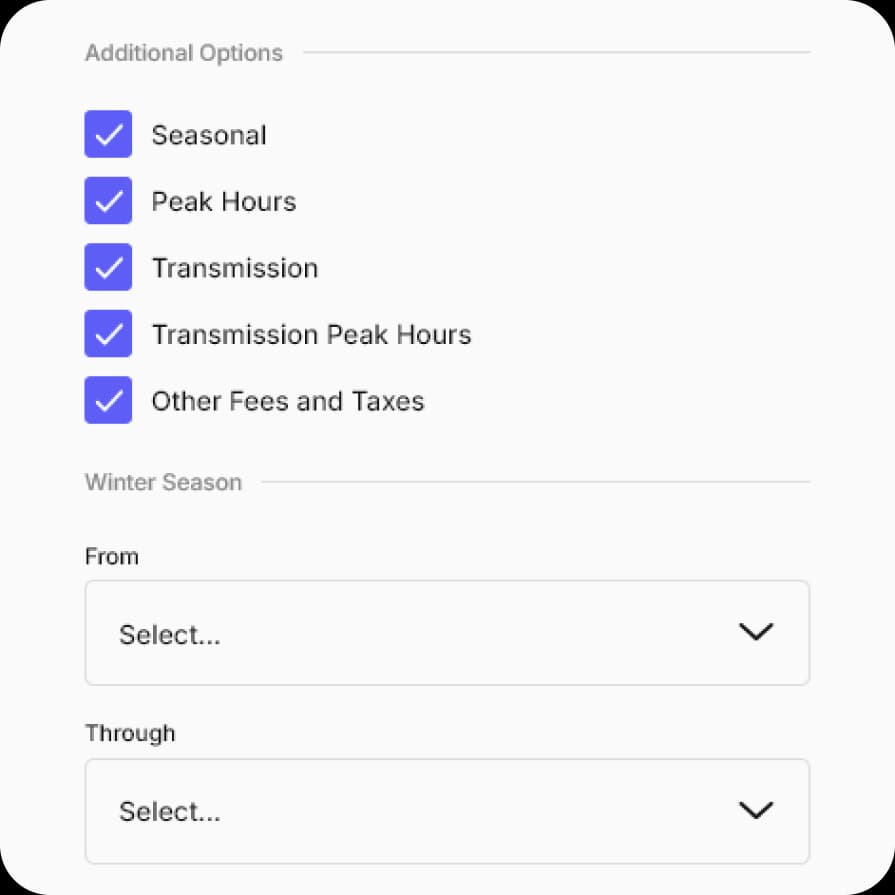
From charger visibility to tariff records.
Tariffs behave differently depending on charger visibility. Public chargers can use tariffs for paid driver charging; private or non-public chargers use tariffs for reports and cost visibility while granted users charge for free.
Decide whether the charger is Public
Paid driver charging requires the charger to be configured as Public. Private and non-public chargers remain free for users with granted access.
Create the tariff
Configure fixed, free, dynamic, or reporting-oriented tariff components, including tax, fee, margin, or market-price context where needed.
Assign it to the charger context
Apply the tariff to the relevant site, charger, connector, or tariff context so session records can show the intended cost model.
Review sessions and exports
Use session history and supported CSV/PDF exports for operational review, Public paid charging follow-up, or internal cost allocation.
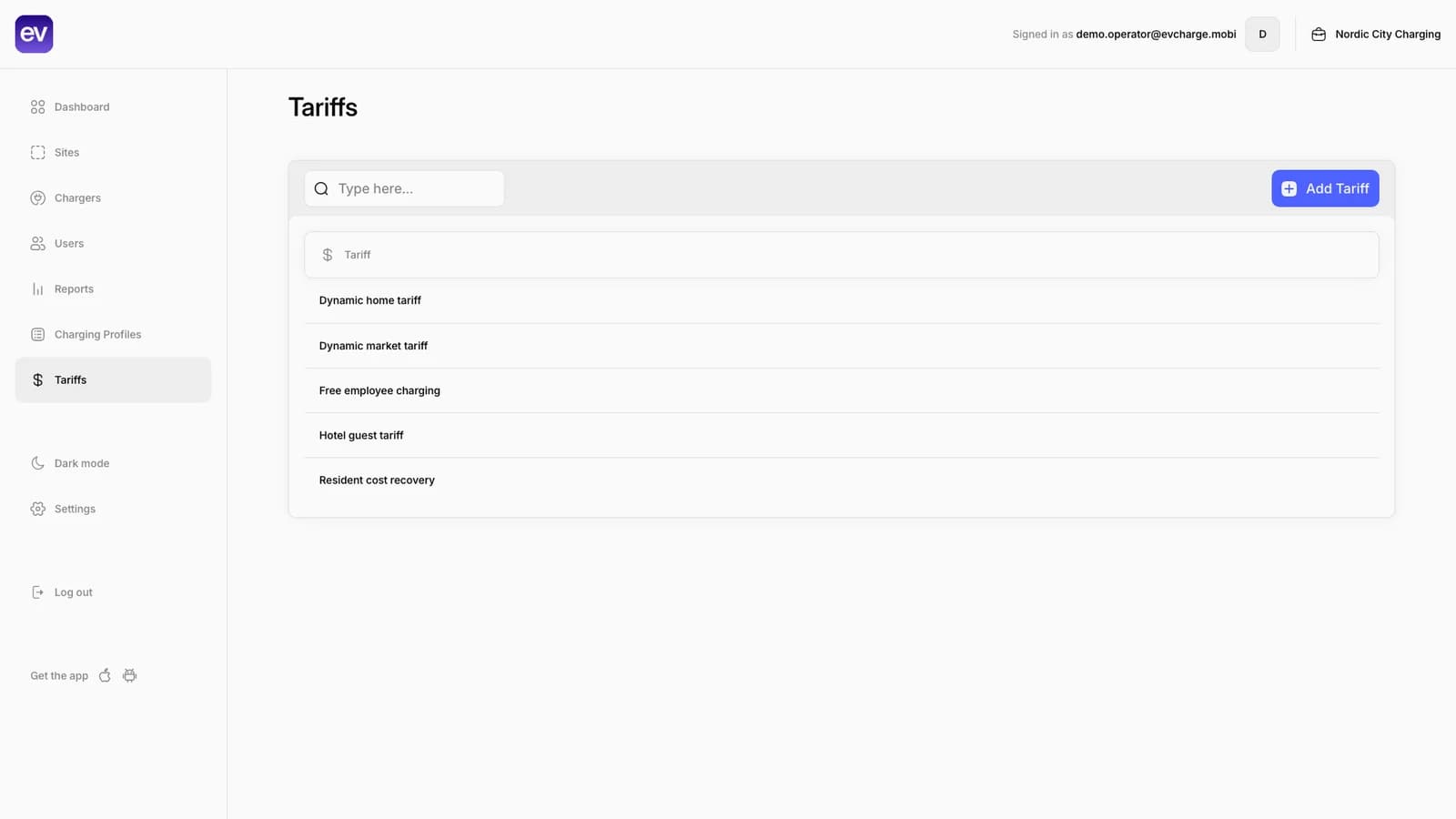
Tariff setup connected to session records.
Operators can configure fixed, free, and dynamic tariff context, then review how that context appears in sessions, reports, and driver history where data is available.
Dynamic tariff setup
Configure a market-based tariff with bidding-zone context, tax, EnergyMarket rule, and live market price preview.
Reports and charts
Review filters, session totals, consumption, costs, and report charts for operator follow-up.
CSV export and scheduler
Use session-level exports and monthly scheduler settings for recurring operational reporting.
Session history
Review energy, timing, and cost details for completed charging sessions where data is available.
What tariff and billing support needs.
Tariffs need the right visibility, assignment, session data, and billing assumptions. They should not be treated as automatic invoicing unless the operating setup explicitly supports that workflow.
- Required for paid charging
Public charger for paid charging
To make charging paid for drivers, the charger must be configured as Public. Non-public granted-access charging is free for users.
Learn more - Private chargers
Reporting-only private tariffs
Private or non-public chargers can still use tariffs for reports, cost visibility, Smart Charging context, and internal accounting.
- Required
Tariff assignment
The tariff must be assigned to the relevant site, charger, connector, or operating context before sessions can carry the expected tariff record.
- For reports
Session and meter data
Cost and report accuracy depend on session records, meter values, timing, connector context, and final tariff calculation rules.
Learn more - Configure carefully
Taxes, fees, and margins
Any taxes, fees, margins, or market-price components need to match the local operating model before reports are used for billing support.
- Caveat
Exports are billing support
Supported exports can help with operational billing workflows, but automatic invoicing or payment collection is a separate configured workflow.
Common questions.
Short answers for charger owners, drivers, installers, businesses, and small CPOs evaluating EVCharge.mobi.
Bring your chargers online today.
Create a free CPO Portal account and connect your first OCPP charger in minutes.