Software Platform for EV Charger Installation Projects
Deliver compatible OCPP chargers with the software layer customers need for charger management, user access, tariffs, reports, Smart Charging, and Dynamic Load Management.
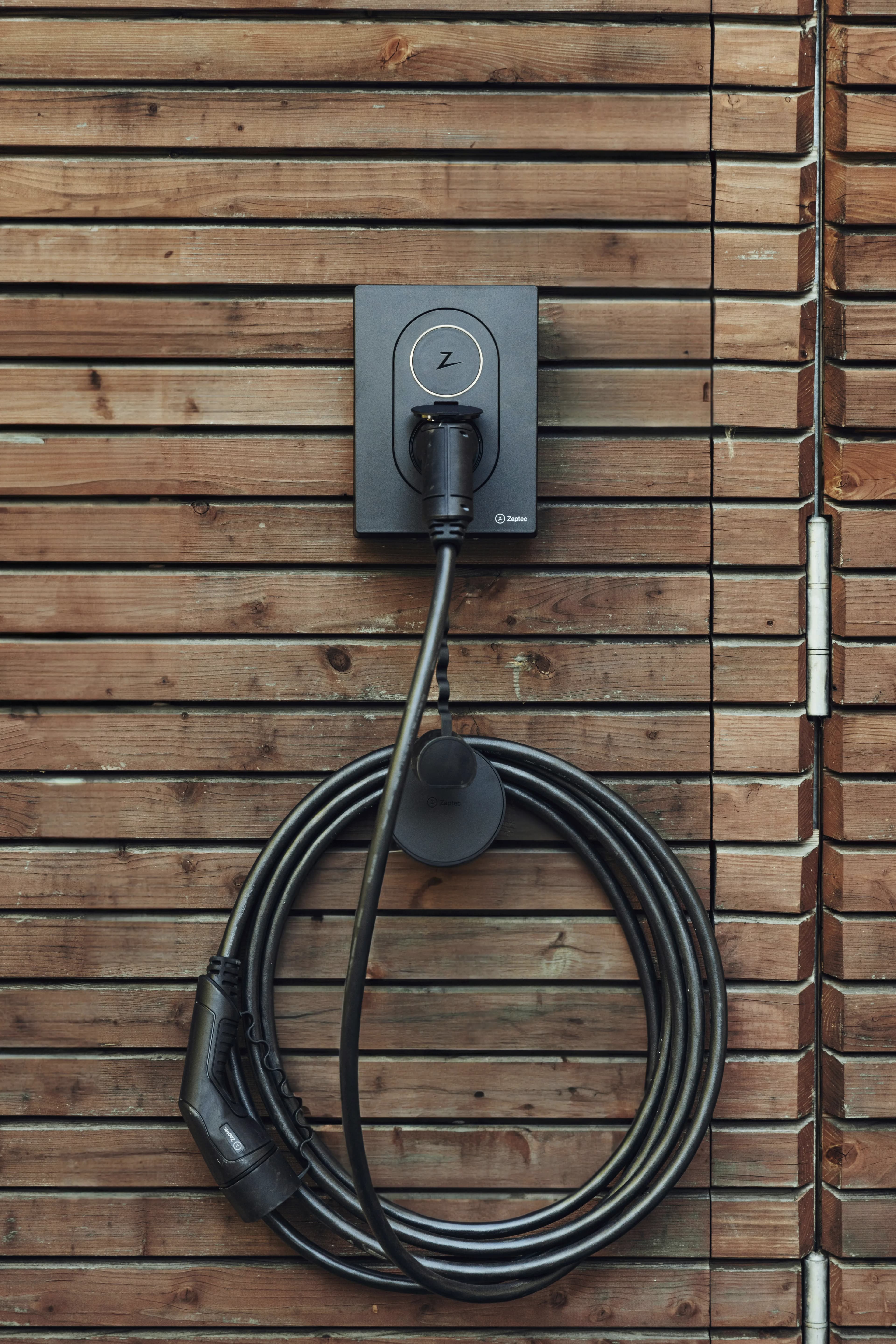
From installed charger to managed handover.
Use this workflow when an installation project needs a clear software handover after the electrical and hardware work is complete.
Check OCPP readiness
Confirm the charger model, firmware, network connection, backend URL settings, charger identity, and app or RFID authorization options before promising managed operation.
Create the operating setup
Prepare the customer workspace with the location, station, charger, connector mapping, and administrator access in the CPO Portal.
Connect and verify the charger
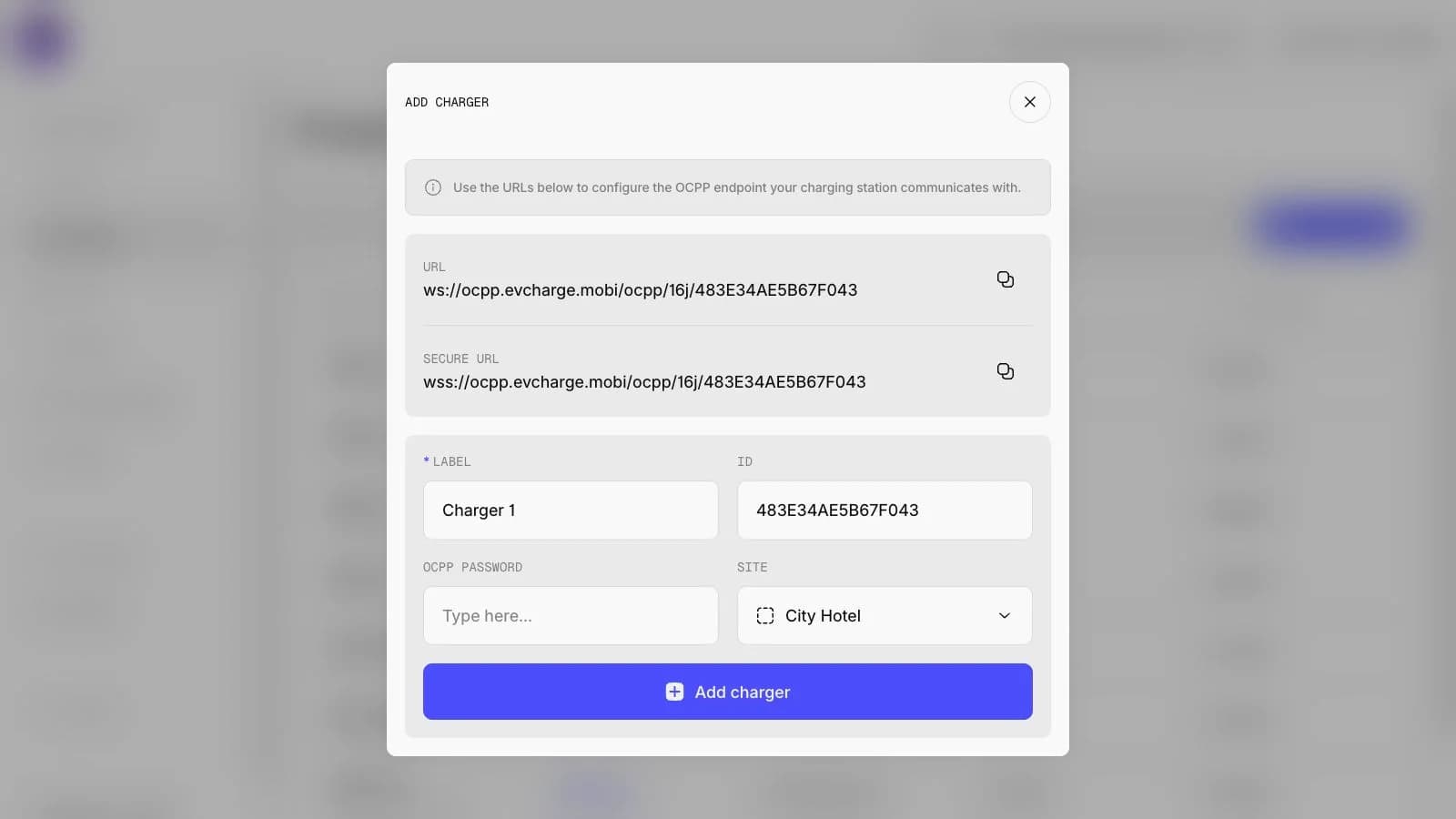
Configure the charger to communicate with EVCharge.mobi, then check online status, connector behavior, monitoring signals, and first-session readiness.
Handover users, tariffs, and reports
Show the customer how to invite drivers, assign RFID or app access, configure tariffs where needed, and review session history.
Charger connection and customer handover in the CPO Portal.
The CPO Portal supports the practical handover workflow: add the charger, verify the connected charger record, and organize the site before the customer starts daily operation.
Charger overview
Inspect charger details, status, site assignment, session totals, and operational setup after connection.
Charger fleet
Monitor connected chargers with practical status, site, connector, and usage context.
What to verify before customer handover.
Installer-led projects are most successful when charger compatibility, site connectivity, access method, and customer ownership are confirmed before the charger becomes part of daily operations.
- Required
Charger model and firmware
Confirm OCPP support, firmware behavior, and the configuration options exposed by the charger vendor.
- Required
Network reliability
Check that the charger has stable internet access at the installation site and can reach the EVCharge.mobi OCPP endpoint.
- Required
Access method
Decide whether drivers will use the mobile app, RFID, or both where the charger and installation support it.
- Recommended
Customer operations owner
Identify who will manage users, tariffs, reports, site limits, and charger status after handover.
Common questions.
Short answers for charger owners, drivers, installers, businesses, and small CPOs evaluating EVCharge.mobi.
Bring your chargers online today.
Create a free CPO Portal account and connect your first OCPP charger in minutes.