Review an open charging session after a charger goes offline
When a charger loses contact during a session, you may still see the session listed as open the next day. Your team needs to know where to look first and what it can tell the driver. An open record gives you a session to investigate. Whether the vehicle is still drawing power, when charging ended and what the final amount will be can remain unresolved.
In EVCharge.mobi, the Offline sessions to review card on Chargers points you to those records in the current workspace. It brings the charger, session number, connector, last contact and available meter reading together. Start with one row and trace it to the session history before deciding what needs a site check or a support follow-up.
Start with the charger list
Open the CPO Portal and select the workspace that manages the charger. With charger read permission, open Chargers and look for Offline sessions to review near the top. The card appears when there are matching open sessions. The session must have started at least 24 hours ago and the charger must have been offline for at least 24 hours based on retained contact evidence.
Treat it as a review list for prolonged absences. Check the charger immediately if you have an active incident. A recent disconnect can fall outside the list, as can a charger with no usable retained contact time. You can find the ordinary status and connector views in the Chargers guide.
Read the two timestamps separately
Suppose a workplace charger shows a last contact of Tuesday 18:42 UTC, while its last verified meter reading is 12,400 Wh at 18:39 UTC. Start by noting the gap between those observations. The later contact tells you when the platform last heard from the charger. The earlier reading tells you what register value was available at that time. A cumulative register includes energy recorded before the session. To understand session consumption, use the session's energy field and the available start and subsequent readings.
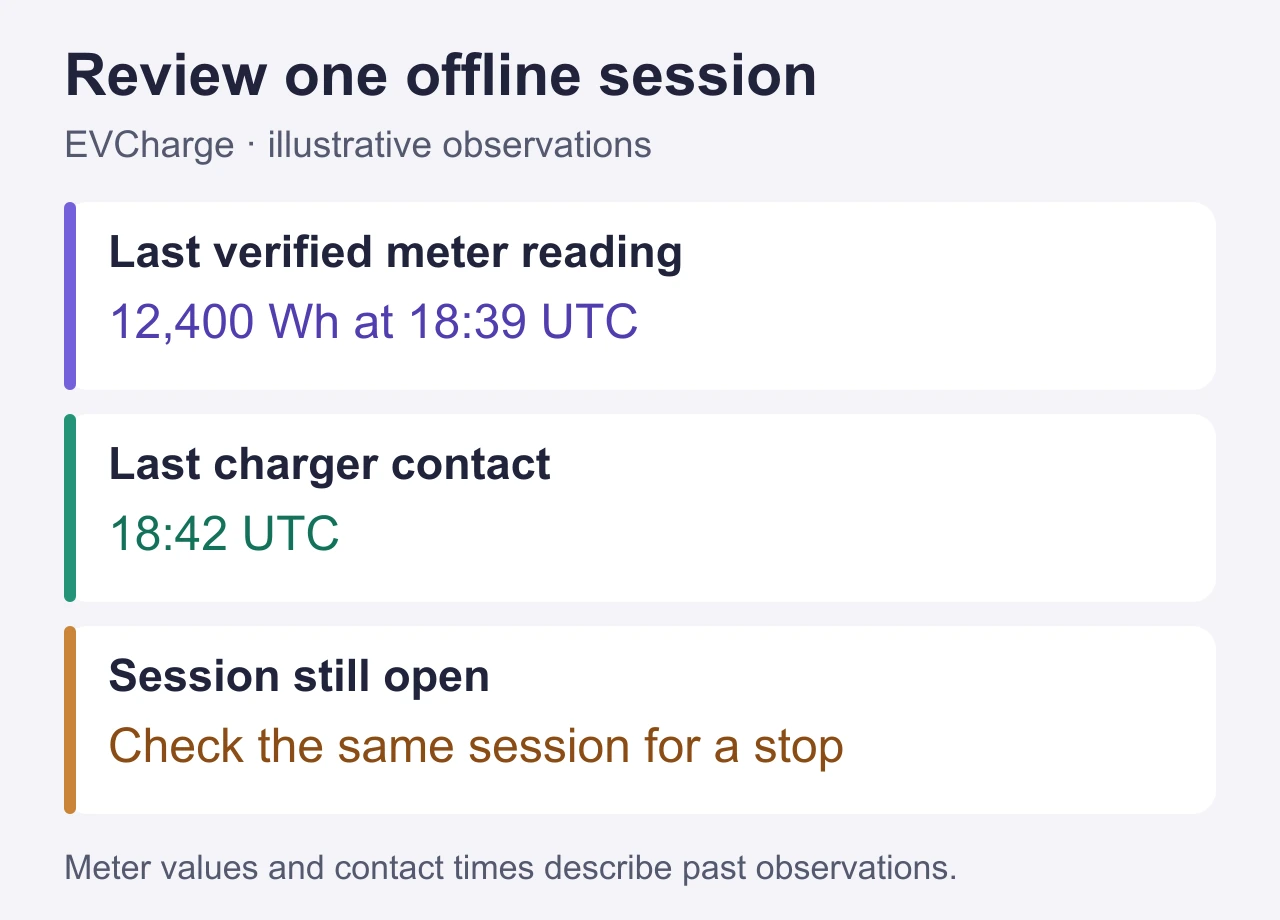
Illustrative example. The register, last contact and session closure are three separate facts. The two timestamps are in UTC.
If the meter cell says Unknown, record that as missing evidence. The last reading, when present, is a historical observation. A gap after it leaves the later energy unknown. Use the timestamps as shown when writing your notes, or include the timezone if you convert them.
Follow the record and decide what needs checking
Select the charger name in the row. The link opens its session area. It appears as Reports if you have Reports read permission, or Sessions if you have charger access alone. With Reports access, extend the date range back to the session's start if necessary, subject to your account's report history. If the charger’s Reports tab shows a Next button, use it to load older sessions in the range. Match the session number and connector from the card before opening the details.
When the charger reconnects, refresh Chargers and return to the original session, even if its review row disappears. A recent Available status can let that connector take a new session while the earlier record still lacks a stop time. Check the original record for a stop time and review the available meter data before reporting the outcome.
If the records still leave a gap, give the site contact or support team the charger, connector, session number and UTC timestamps. Add any on-site observation you can verify, such as whether the vehicle is still connected. For a paid session, quote a final amount only when you can confirm the payment state. Use the support channel available in your portal and keep later observations in the same conversation. EVCharge support guide